
The Product Page settings control how imported UTT products are displayed on the WooCommerce product page.
These features are available on the Advanced plan and are designed to improve the shopping experience for products with multiple colors and sizes.
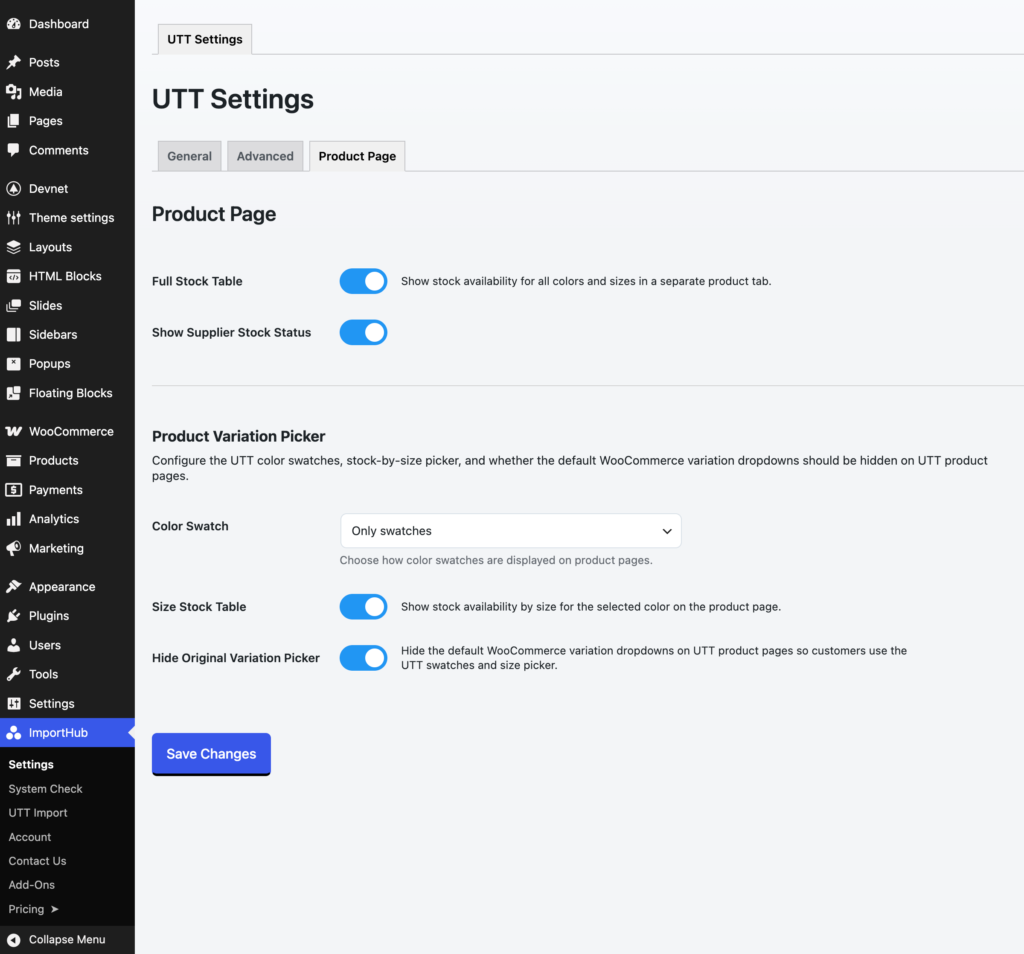
Full Stock Table
Displays a Stock Info tab on the product page showing stock availability for all colors and sizes in a single table.
This is useful when customers need a quick overview of available combinations without selecting each color or size individually.
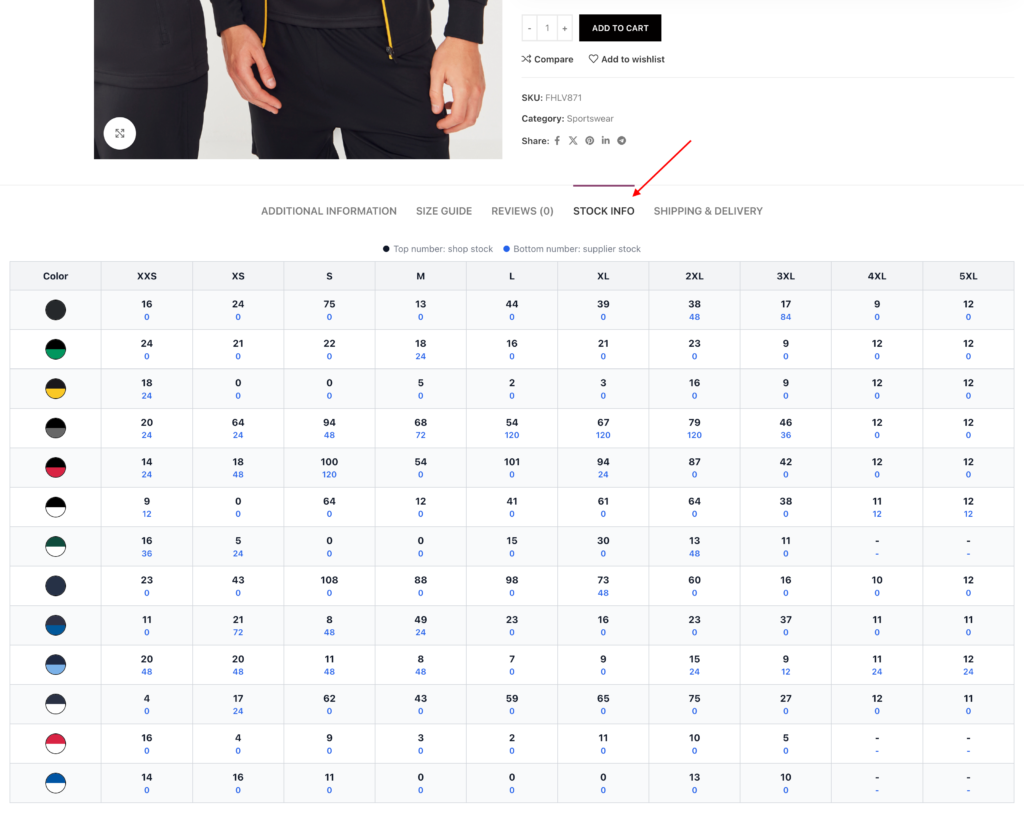
Show Supplier Stock Status
Displays supplier stock quantities alongside your WooCommerce stock levels.
This can be useful when you want customers to see not only what is currently available in your store, but also what can potentially be ordered from the supplier.
This option affects both the Stock Info tab and the Size Stock Table.
Important: UTT does not allow direct ordering of products that are only available at the supplier. For this reason, ImportHub treats the stock information provided by UTT as available stock.
If you feel supplier stock information could confuse customers, we recommend disabling this option. Alternatively, you can add a product inquiry form or contact option to your product pages and manually verify supplier availability with UTT before accepting the order.
Color Swatch
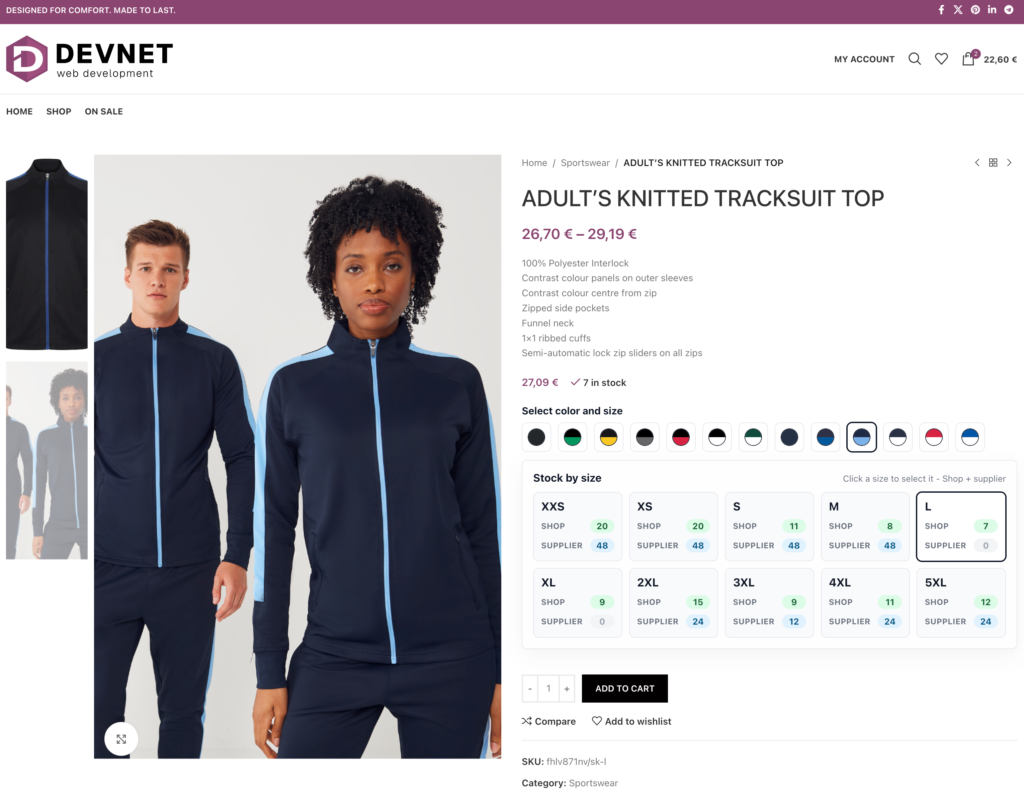
Displays visual color swatches on UTT product pages.
Color swatches can be used alongside the standard WooCommerce color dropdown and help customers better understand which color they are selecting.
The swatches are also selectable, so customers can click a color swatch to choose the matching WooCommerce color variation.
Available options:
- Swatches with labels – display color circles together with the color name.
- Only swatches – display color circles only.
- Don’t show – use the default WooCommerce variation selector.
Note: Some themes and third-party plugins include their own color swatch systems. ImportHub color swatches are often compatible with these solutions, but advanced features such as multi-color swatches may not be supported. For the best UTT product page experience, we recommend keeping the ImportHub Color Swatch option enabled.
Size Stock Table
Displays available sizes for the currently selected color.
Customers can quickly see which sizes are available and select them without using the standard WooCommerce dropdowns.
Hide Original Variation Picker
Hides the default WooCommerce variation dropdowns and uses only the UTT variation picker interface.
This creates a cleaner product page when Color Swatches and the Size Stock Table are enabled.
If disabled, both the UTT picker and the standard WooCommerce variation selectors remain visible.